

A modest approach to naming, keeping and checking the digital things that matter
By Arbab Naseebullah Kasi, Chief Executive Officer - CEO, Feel Worldwide Foundation Inc.
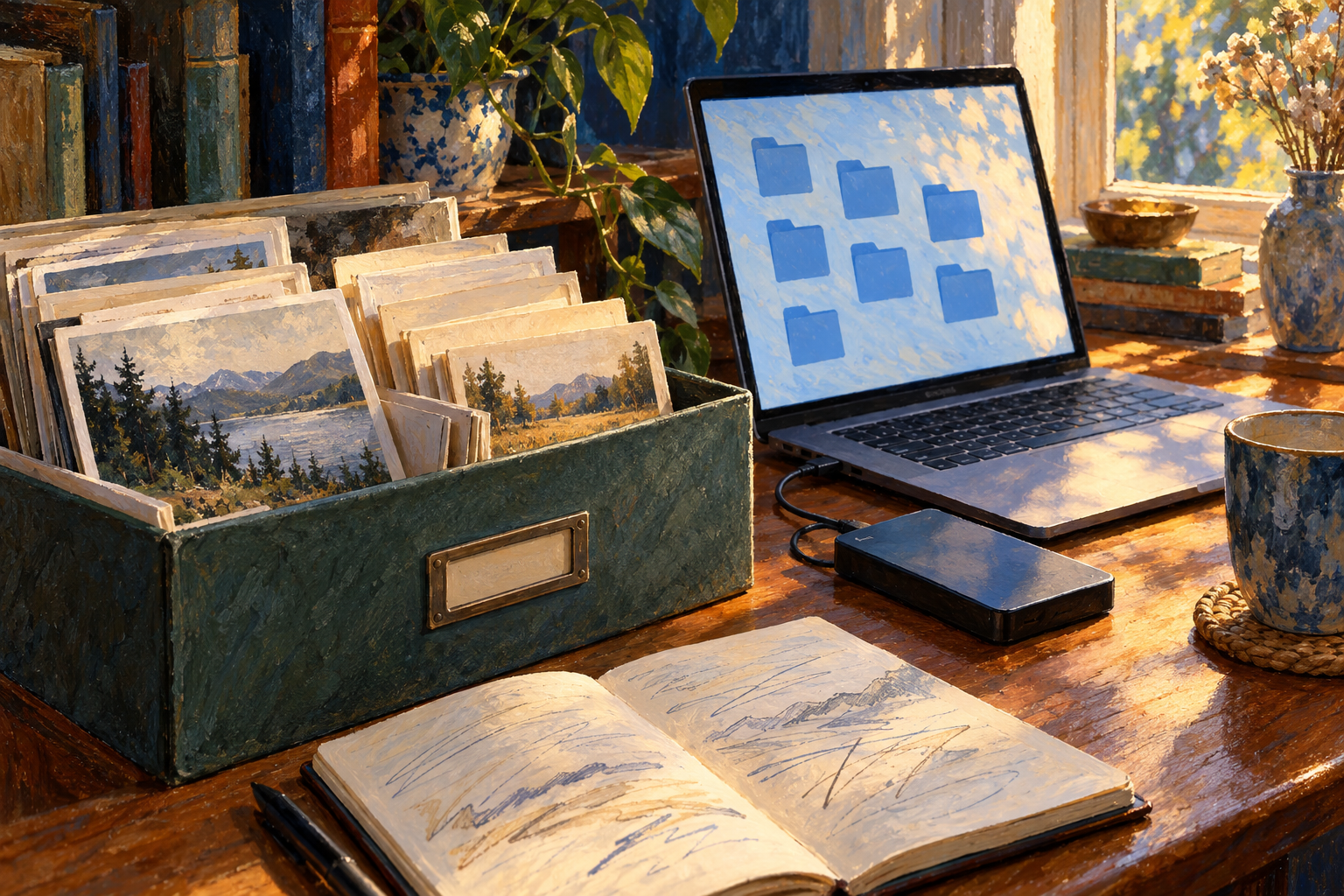
A painterly home archive brings photographs, digital folders and an external drive into one scene of everyday care.
A document can be saved and still be difficult to find. It may be sitting in a downloads folder, attached to an old message or hidden among several versions with almost identical names. A photograph can be visible on a phone without its owner knowing where another usable copy lives.
These are ordinary situations, not evidence that someone is careless. Digital tools make it easy to accumulate things. They do not necessarily make it obvious which copy is current, which files matter or what would happen if a device stopped working.
A useful personal filing system should answer a few practical questions. Where would I look first? How would I recognise the right version? Could I retrieve another copy if this one became unavailable?
You do not need to reorganise every file you have ever created before improving those answers. Start with one small collection you would genuinely miss. Make it understandable, give it a dependable home and check that your protection works in practice. The aim is less searching and less uncertainty, not a perfect-looking desktop.
Begin with something worth keeping
A whole-device cleanup can become an exhausting exercise in deciding the fate of thousands of items. A narrower starting point is kinder and more useful: photographs from a particular trip, the materials for one finished project or a group of documents you regularly need.
Ask what makes this collection important. Is it difficult to replace? Does it capture work you might return to? Does it contain memories whose meaning would disappear if the surrounding explanation were lost?
Then identify where the relevant files actually are. For this first pass, simply make a short inventory. You might discover an original photograph on one device, an edited copy elsewhere and a smaller version downloaded from a message. They may serve different purposes. Avoid assuming that the smallest or oldest-looking file is disposable.
Treat unfamiliar folders cautiously. Application libraries, linked projects and managed workplace repositories can depend on their existing structure. This article concerns ordinary personal files that you control, not a licence to rename software components or move organisational records outside approved systems.
A small, understandable collection is a better beginning than an ambitious reorganisation that leaves you unsure what changed.
Choose names that help your future self
Imagine the words you would type to find a file six months from now. A name such as “Document7” tells you almost nothing. “Garden-plan-2026-v02.docx” supplies a subject, a year and a version without becoming a sentence.
That is an illustrative example, not a required convention. Someone sorting photographs by occasion may prefer an event name first. Someone managing dated notes may prefer the date first. Choose an order that matches how you look for things, then use it consistently within that collection.
The US National Archives offered a concrete public example of this thinking in its August 2017 file-naming guidance. It recommended consistently structured names, year-first dates such as YYYY-MM-DD, leading zeroes for numbered sequences and avoiding unnecessarily complicated names. That is records-management guidance, not a claim that every personal device requires an identical naming rule. Its enduring practical lesson is consistency. National Archives file-naming guidance
For a sequence, “v01”, “v02” and “v03” can be easier to interpret than “new”, “latest” and “really-final”. If a date is included, decide what it means. A photograph's capture date and the date you scanned it are different facts. A brief note can explain which one the filename uses.
Keep the file extension intact. Renaming a document from one extension to another is not a reliable way to convert its format. If you need a different format, use an appropriate export function and check the exported result while retaining the source.
Also remember that filenames can appear in notifications, shared links and screen captures. You rarely need an account number or a private personal detail in the name just to make the document recognisable.
Give each collection an obvious home
A filing structure works when you can explain it without drawing a complicated map. For a small personal project, a main folder with “Working”, “Reference” and “Finished” subfolders may be enough. A photograph collection may be clearer when grouped by year and occasion. Neither approach is universally better.
Consider a hypothetical home gardener preparing a guide for friends. The reference folder holds plant notes and source material. The working folder contains the editable guide. The finished folder contains the version actually shared. Later, when a planting recommendation changes, the gardener can distinguish the earlier shared edition from the new draft.
The benefit comes from the distinction, not the particular folder names. A finished copy is a record of what was distributed. A working copy is the place where changes continue. Blurring those roles makes it easier to send an outdated file or overwrite something that explains an earlier decision.
Try the structure on a few files before moving a large collection. Open them afterwards. Check that pictures, attachments or other linked material still behave as expected. If a project relies on application-specific packaging, follow that application's instructions rather than treating every component as an independent document.
There is no prize for the fewest folders. A useful structure makes the next action clear without requiring constant sorting.
Keep the meaning as well as the material
A photograph of a building may mean something to you now because you remember the trip. Years later, the image alone may not reveal the location or why you kept it. A finished document may preserve the words while losing the explanation of which audience it was intended for.
A short plain-text note can supply that context. Record what the collection contains, what important dates mean and how versions are organised. Use only information you are comfortable storing with those files. Do not turn this explanatory note into a list of passwords or recovery secrets.
The Library of North Carolina's personal digital archiving guidance, consulted for this article in October 2026, distinguishes a preservation copy from a copy used for sharing or editing. It also recommends keeping descriptive information, either separately or in the file's metadata. This is a real public preservation approach, not evidence that a particular household filing system has been experimentally proven superior. Library of North Carolina personal archiving guidance
Applied at home, the distinction can be simple. Keep the original image and make a separate copy for cropping or resizing. Preserve the editable source of a document alongside a checked sharing version when both matter. Avoid stripping embedded information merely to make a folder look tidy.
You need not become a professional archivist. A sentence explaining what something is can be more valuable than an elaborate naming system that nobody understands.
Know what your extra copy actually protects
Organisation and recovery solve different problems. A beautifully labelled folder will not help if its only storage device fails. Several copies on the same device also share that device's vulnerabilities.
The Library of Congress recommends keeping at least two copies of selected personal documents, placing copies on separate media and in different locations, and checking the files at least once a year to confirm they remain readable. These are practical preservation recommendations, not measured guarantees against every kind of loss. The guidance is available in its personal archiving material consulted for this article in October 2026. Library of Congress guidance on personal digital records
For your own setup, ask what would happen under a few ordinary circumstances. Could you retrieve the collection if the laptop were unavailable? Would an accidental change overwrite every accessible copy? If you could not enter an account, would another usable copy still be within reach?
A synchronised folder may be helpful, and a service may also provide recovery or version history. The details depend on the service and its settings. Do not infer the recovery arrangement merely because the same filename appears on two screens. Check what is stored locally, what is online only, how deletions are handled and how long previous versions remain available.
For material that changes frequently, an annual readability check alone does not answer how much recent work you might lose. Decide how often another copy needs to be updated based on the amount of work you would be willing to recreate. A finished collection of old photographs and a document edited daily need different attention.
Use storage you are authorised to use. Personal convenience does not override confidentiality requirements for workplace, client or community records.
Try recovery before you urgently need it
A quiet test is more informative than a hopeful assumption. Choose one harmless, non-sensitive file. Following the instructions for your storage or backup system, retrieve a copy into a separate temporary folder. Leave the original untouched.
Open the retrieved file. Is it the expected version? Does the document contain the pages you anticipated? Does the photograph display properly? If the file depends on linked material, does that material come with it?
Write down the date, what you tested and anything that failed. This is a suggested small-scale practice, not a certification that the whole collection is protected. One successful recovery establishes something useful about that file and that route. It does not prove every file is intact or every future failure is covered.
If the test fails, keep the originals and investigate the specific problem. Perhaps the copy was never included, perhaps the retrieval instructions were misunderstood or perhaps the file requires software you no longer have. Finding that out while the working copy still exists gives you room to respond.
Do not test recovery by deleting your only original, disconnecting an essential account or deliberately damaging a file. The purpose is to learn how to retrieve something safely, not to manufacture an emergency.
Finish one small collection
For a first session, choose a boundary you can complete. Select one collection, identify its important files, settle on a naming pattern and separate working material from the versions you intend to preserve. Add a short explanation where context matters. Then establish another usable copy and try retrieving one file.
The precise number of files is unimportant. Ten well-understood documents may be a more meaningful improvement than thousands moved into a folder called “Organised”.
Leave yourself a simple maintenance cue. When a project finishes, preserve its shared version. When you add an important collection, include it in your copying routine. When your device, software or storage service changes, revisit the retrieval process rather than assuming the old arrangement still works.
A good digital archive does not have to look impressive. It should help you return to something you value without reconstructing your past decisions from scratch. The folder names, copies and occasional checks are modest acts of care for work and memories that deserve to remain usable.
Which small collection would you most like to be able to find, understand and recover without hesitation?
