

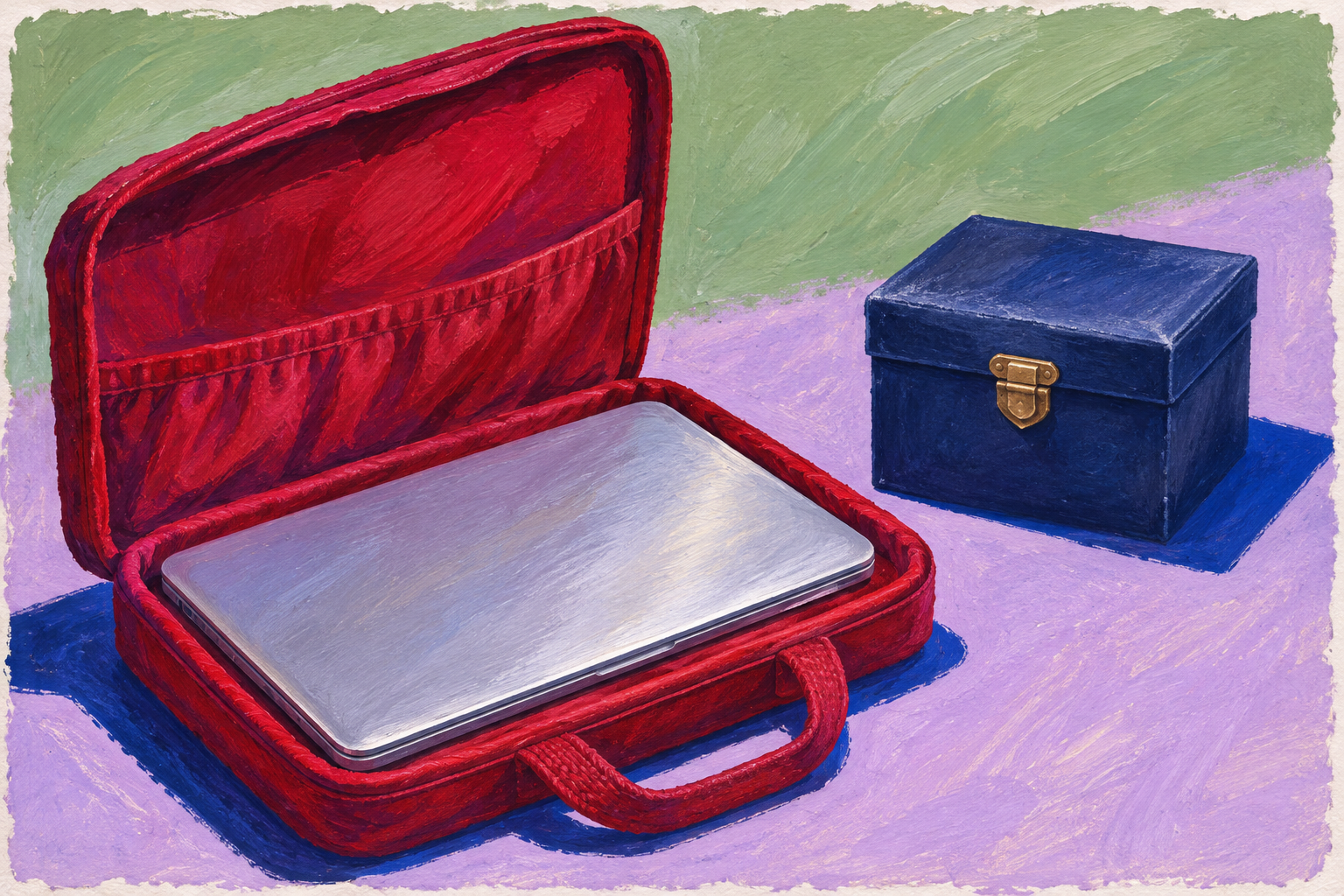
A silver laptop in an open red case sits beside a closed blue box, a painted metaphor for passing on useful technology while keeping private information separate.
A thoughtful handover can protect yesterday’s private information while giving useful technology a meaningful next chapter
By Arbab Naseebullah Kasi, Chief Executive Officer - CEO, Feel Worldwide Foundation Inc.
An old laptop can occupy a strangely permanent place in a home or office. It is no longer the computer anyone chooses first, but it still contains photographs, unfinished work, saved passwords and documents whose importance is difficult to judge in a hurry. Giving it away feels generous. Throwing it away feels wasteful. Doing nothing feels safer.
The way forward begins by separating two decisions: what should happen to the device, and what should happen to the information inside it.
Those decisions need different kinds of care. The equipment may be useful to another person. The previous owner’s files, account access and private correspondence should not travel with it. A responsible handover makes room for reuse without asking either person to accept unnecessary risk.
For households, small businesses and community organizations, this is a practical task that can be planned. It does not have to become another indefinite box in the cupboard.
See the device as equipment and a container
A computer is easy to recognize as a physical object. Its less visible contents are easier to overlook. A machine used for ordinary administration may also hold downloaded application forms, cached email, browser sessions or copies of documents received from other people.
Start with ownership. Is the equipment personally owned, borrowed, leased or recorded as an organizational asset? Someone using a device may not have authority to donate it. If work and personal files are mixed, ask the responsible organization how to separate and preserve them before making changes. Do not erase records that must be retained or are subject to a legal hold.
Then decide whether reuse is realistic. A working keyboard is not the whole assessment. Consider the charger, battery condition, security-update support, accessibility needs and the software the next person actually requires. Describe faults honestly. A gift that immediately needs expensive repairs can become an unexpected obligation.
There is a substantial materials reason to do this well. The U.S. Environmental Protection Agency estimated that 2.7 million U.S. tons of selected consumer electronics entered the municipal solid-waste stream in 2018, with a recycling rate of 38.5 percent. These are historical figures for a defined product category, not a current measurement of every kind of electronic waste. They nevertheless show why a device’s final destination deserves attention. EPA’s product-specific data.
Preserve what matters before removing what remains
The first useful appointment is with your own information. Identify what must survive, where it will be kept and who should retain access. A family might need photographs and financial records. An organization may need approved project files and records that belong in its managed storage rather than an employee’s personal account.
The Federal Trade Commission’s consumer guidance puts backing up information before erasing the computer. Its suggested routes include transfer to another computer, suitable cloud storage or an external storage device. The important sequence is preservation first, erasure second. FTC guidance on preparing an old computer.
Go beyond watching a progress bar finish. Open several important files from their new location. Check a document, an image and any unusual file type you still need. Confirm that the person who will use them has the appropriate access. Keep the old device until essential transfers have been checked, rather than discovering after collection that a folder was only a shortcut.
Avoid turning the cleanup into a new privacy problem. A volunteer helping with retirement does not need permission to browse every file. Agree on a limited role and an approved destination for retained information. If sensitive records are involved, use qualified support and the organization’s established process.
Use the right erasure process for the actual machine
An empty desktop is not evidence that a device is ready to leave. Nor is signing out of one application enough. Follow the manufacturer’s current preparation instructions for the model and operating system, rather than relying on a remembered sequence from a different computer.
For example, Microsoft’s Windows reset guidance distinguishes “Keep my files” from “Remove everything.” For a consumer device being sold, donated or recycled, it recommends the latter with “Clean data” enabled. Microsoft also explicitly warns that this consumer erasure feature does not meet government and industry data-erasure standards. That qualification matters when a small organization is handling more than ordinary household information. Microsoft’s reset options and limitations.
Apple provides a different route. Its Mac handover instructions describe “Erase All Content and Settings” for supported computers and give separate steps when that feature is unavailable. The supported route depends on the hardware and macOS version. The lesson is to identify the machine first, then follow the matching instructions, including the relevant account and setup steps. Apple’s Mac handover guide.
For organizational equipment, a consumer reset should not quietly become a claim of certified sanitization. NIST’s September 2025 revision of its Guidelines for Media Sanitization addresses processes and controls chosen according to the sensitivity of the information. It treats sanitization as making access to target data infeasible for a specified level of effort, rather than offering a universal promise attached to a single button. NIST SP 800-88 Revision 2.
If a machine will not start, or the required process fails, keep it secure and seek qualified help. Failure to switch on is not proof that stored information has disappeared. Do not improvise physical destruction at home, particularly around batteries. A safe, documented professional route is preferable to a hurried experiment.
Make the handover useful for the next person
Good preparation includes asking the receiving organization what it accepts before delivering equipment. Does it want complete computers, specific ages or specifications, or particular accessories? Can it process devices containing data, and what evidence will it provide? Are there charges, collection conditions or restrictions on damaged batteries?
A real-world example is PCs for People. Its recycling service describes assessing donated equipment for refurbishment or recycling, with refurbished devices serving individuals, families and nonprofits. Its published FAQs also explain that it performs its own drive-erasure process even if a donor has already wiped a drive, and tracks drive serial numbers in its reporting. These are the provider’s descriptions of its service, not a substitute for checking the terms, location and current scope of a particular handover. PCs for People’s reuse service and data-handling FAQs.
This illustrates an important possibility: responsible data handling and useful reuse can be designed together. A donation need not depend on the recipient accepting an unknown computer exactly as it arrives.
For a direct gift, include the correct charger, a plain description of known faults and enough information to identify the model. Follow the manufacturer’s guidance on leaving the machine ready for its new owner’s setup. Do not hand over your account password as a convenient shortcut. The recipient should be able to establish their own access without inheriting yours.
Give a small organization a clear finishing point
Consider an illustrative example, not a reported Foundation project. A community organization is replacing six laptops. Four appear suitable for reuse, one has a damaged battery and one will not start.
Instead of announcing a six-computer donation immediately, a coordinator records each device and confirms ownership. Staff identify the records that must be retained. A qualified technician assesses the machines, selects an appropriate sanitization route and reports the result for each one. The receiving refurbisher confirms what it can accept, including how to handle the damaged unit safely.
The organization can then make a precise statement about what happened. Perhaps four computers were accepted for potential refurbishment, while two required a different treatment. Acceptance for assessment should not be reported as six people receiving working laptops. Honest accounting preserves the meaning of the contribution.
A simple retirement record can capture the asset identifier, authorized decision, preservation check, sanitization method and outcome, responsible person, destination and transfer date. Keep access to that record limited where appropriate. Record the evidence needed to demonstrate completion, not unnecessary copies of the data that were removed.
The practical measure of success is a closed loop: each device has a known destination, and its information has a documented treatment. A cupboard that is less crowded is welcome, but it is not the only result worth tracking.
Choose recycling when reuse is no longer responsible
Some equipment is no longer a suitable gift. The humane choice is not always to pass it on. An unreliable device can consume a learner’s time, interrupt a job application or leave a small charity paying to dispose of someone else’s problem.
EPA advises checking electronics recycling options in the relevant state or community. It also warns that lithium-ion batteries, and devices containing them, do not belong in household garbage or recycling bins. Follow the receiving facility’s instructions; do not force a built-in battery out of a device or send a damaged battery through an ordinary collection route without checking safe handling requirements. EPA’s electronics donation and recycling guidance.
Ask where the equipment will go and how data-bearing components will be treated. Keep the receipt or other agreed evidence. If a service promises something important, such as documented destruction, make sure that the promised record actually arrives.
A useful next chapter starts with a careful ending
This work can begin with one device rather than an overwhelming household or office clearout. Choose the machine, confirm who owns it, check what must be kept and find the correct handover route. Give yourself enough time to finish the process before arranging collection.
There is generosity in a well-prepared computer. There is also generosity in protecting the information of people who trusted its previous owner, and in refusing to make a recipient responsible for hidden faults or unclear access.
A device can leave your life without taking your private history with it. Done carefully, its next chapter can be genuinely useful to someone else.
What would need to happen for one unused device in your home or organization to leave safely and serve a worthwhile purpose?
