

Design a Useful Lesson for Learners Who Only Have a Phone
A practical phone-first method for turning one learning goal into readable content, a small practice task, accessible choices, and evidence of understanding.
A lesson that can be opened on a phone is not necessarily a lesson designed for a phone. A desktop slide deck may technically load on a smaller screen while still forcing the learner to pinch, zoom, scroll sideways, download a large file, or move between several apps. If the learner has limited data, an older device, an intermittent connection, or only a few uninterrupted minutes, each extra demand can become a reason to stop.
Phone-first design begins with a different question: what is the smallest complete learning experience that helps someone do one useful thing? The answer is not to remove substance. It is to remove friction that does not support the learning goal. The result can serve people who rely on phones while also producing clearer lessons for everyone.
Begin with one observable action
Before choosing a video, document, quiz, or platform, write a sentence that begins, “By the end of this lesson, the learner can...” Finish it with an action that can be seen or checked. “Understand online opportunities” is too broad. “Identify the deadline, required document, and official application link in an opportunity notice” is specific enough to guide the lesson and assess the result.
One observable action helps the designer decide what belongs now and what can wait. It also respects the learner's time. A person should be able to tell what the lesson is for before spending data or attention on it.
UNESCO's guidance on technology in education emphasizes that technology should serve learners' interests and educational purposes, not become an end in itself. Its 2023 Global Education Monitoring Report also cautions that access to devices and connectivity remains unequal. A responsible lesson therefore starts with the learning purpose and the learner's actual conditions, not with the most impressive tool. Read UNESCO's technology in education guidance.
Build a four-part lesson loop
A useful phone-first lesson can follow four connected parts: orient, model, practice, and show. First, orient the learner with a brief statement of the goal, the expected time, and anything they need. Second, model the action through one compact example. Third, give the learner a similar task to complete. Fourth, let the learner show what they did in a simple, appropriate form.
The “show” step is essential. Reading or watching can create familiarity, but practice reveals whether the learner can use the idea. Evidence can be a three-line response, a marked screenshot without private information, an audio explanation, or a demonstration to a facilitator. It should match the action in the learning goal.
Keeping all four parts in one short flow also reduces navigation. If learners must repeatedly move among a slide deck, a browser, a messaging app, and a separate quiz, the lesson begins to test application management as much as the intended skill. Use one familiar channel where possible and explain any necessary change before it happens.
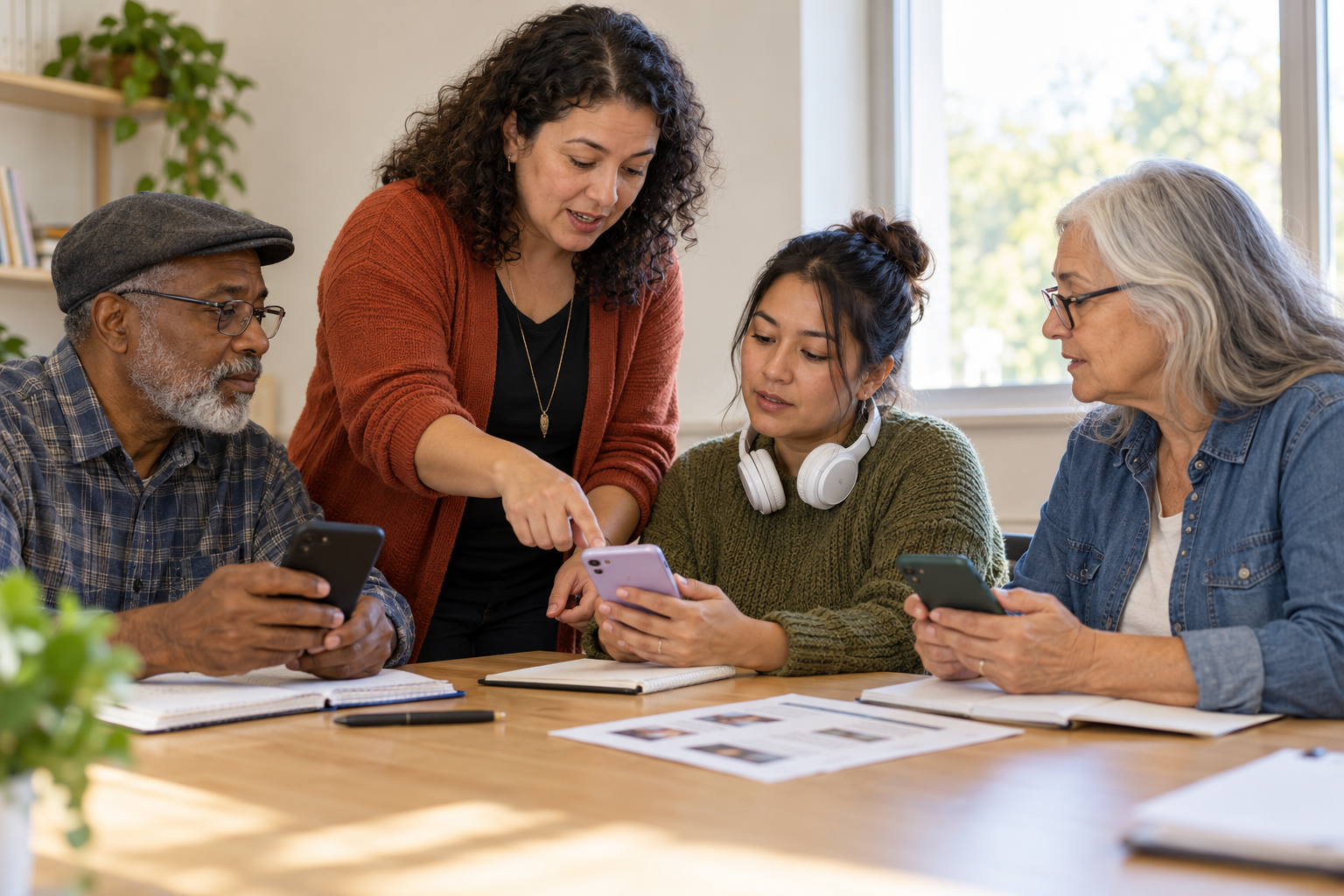
AI-generated illustration of a phone-first lesson designed around practical access and active learning.
Write for a narrow screen
Phone-first text should use a single reading column, descriptive headings, short paragraphs, and the most important instruction before supporting detail. Avoid wide tables, text embedded in screenshots, and slide-style PDFs that require horizontal movement. If a comparison is necessary, present each option in its own small section instead of placing many columns side by side.
This approach aligns with the World Wide Web Consortium's guidance on reflow. Under WCAG 2.2, content should remain usable at a width equivalent to 320 CSS pixels without requiring scrolling in two directions, apart from content that genuinely needs a two-dimensional layout. Review W3C's explanation of reflow. A practical design check is to preview the lesson in a narrow window, enlarge the text, and complete the task without rotating the device.
Links and buttons also need room. W3C's WCAG 2.2 guidance describes a minimum target size of 24 by 24 CSS pixels or sufficient spacing, with defined exceptions. The principle is simple: a person should not have to tap with perfect precision. Use descriptive link names, separate adjacent links, and avoid making a small icon the only way to continue. Review W3C's target-size guidance.
Offer meaningful choices, not extra confusion
Accessible options are most useful when they help learners reach the same goal without creating several unrelated versions of the lesson. A concise text explanation can be paired with an optional audio version. A demonstration image needs an accurate text alternative. A video, if it is genuinely necessary, needs captions and a usable text summary so that sound, bandwidth, or timing does not become a barrier.
W3C explains that text alternatives allow non-text content to be transformed into forms people need, including speech, large print, or braille. Read W3C's guidance on text alternatives. The CAST Universal Design for Learning Guidelines similarly encourage multiple ways to perceive information, act, and demonstrate learning while keeping the goal clear. Explore CAST's UDL Guidelines 3.0.
Keep choice manageable. Label each option plainly, state approximate length or file size when relevant, and make the primary route obvious. The goal is agency, not a menu so large that the learner must first solve the interface.
Plan for weak or interrupted connectivity
Low-bandwidth design is not only about shrinking a file. It means making the lesson resilient when the connection disappears. Put core instructions in lightweight text. Avoid mandatory high-resolution video and automatic media playback. Let learners save a small resource, complete the practice offline, and submit when a connection returns. Do not make a brief disconnection erase progress.
UNICEF's 2026 Pathways Framework for Digital Education Transformation is designed for low-resource, offline, low-connectivity, and device-limited settings. It recommends modular steps that can be adapted to local conditions rather than assuming one technical path fits every context. Read UNICEF's Pathways Framework. The broader lesson for facilitators is to design continuity into the activity: the learner should know what to do even when the network does not cooperate.
Privacy also belongs in the design. Use fictional sample information for practice. Do not ask learners to post personal documents, account details, precise locations, or private messages in a group space. If the skill eventually involves sensitive information, demonstrate it with a safe sample and explain which details should never be shared.
A fictional teaching example
Consider this fictional example. Samira is preparing a short lesson for adults who want to respond to education and employment opportunities. Her outcome is: “By the end of the lesson, the learner can find and record the deadline, one required document, and the official application link in a sample opportunity notice.”
Samira begins with a four-line introduction that names the goal and says the activity should take about 15 minutes. She provides a fictional notice as lightweight text, followed by one clearly labeled image with an accurate text alternative. In the model, she highlights where the deadline, document requirement, and official link appear. The practice notice uses different fictional details so learners must apply the method rather than copy the example.
Learners can show their result by sending three labeled lines of text, recording a brief audio response, or showing their notes to the facilitator in person. No one has to upload an identity document or reveal a real application. Samira also provides a downloadable text version, so the practice can continue if the connection drops. Every format leads to the same evidence: can the learner locate and record the three required details accurately?
The example does not try to teach search strategy, résumé writing, application quality, and interview preparation at the same time. Completing one useful action creates a foundation for the next lesson and shows the facilitator what learners can already do.
Run a 30-minute phone-only stress test
Choose one existing lesson and open it on the most basic phone available to your team. Spend the first five minutes writing its single observable action. During the next ten minutes, try to complete the lesson using only the phone, a narrow portrait view, and an interrupted connection. Record every moment that requires zooming, sideways scrolling, a large download, a second account, precise tapping, or information the learner may not have.
Use the next ten minutes to rebuild the weakest part. Move the essential instruction into text, replace a wide table with short sections, add a text alternative, reduce unnecessary navigation, or create a response option that can be prepared offline. In the final five minutes, ask another person to attempt the task without coaching. Do not ask only whether the lesson looks good. Ask what they believe the goal is, what they are expected to do, and how they know they are finished.
Keep the version that reduces effort without weakening the learning action. If a feature looks impressive but consumes attention, data, or time without helping the learner practice, remove it. If an option makes participation possible for more people, label it clearly and keep it easy to find.
Design from the learner's real starting point
A phone-first lesson is not a compromise version of “real” learning. It is a deliberate design response to the device and connection a learner actually has. Clear goals, compact modeling, active practice, accessible alternatives, safe evidence, and offline continuity can turn a small screen into a workable doorway to learning.
Start with one lesson you already teach. Reduce it to one useful action, rebuild it as a four-part loop, and test every step on a phone. Then ask a learner what still feels difficult. That conversation will tell you more about the next improvement than another feature ever could.
Feel Worldwide Foundation's Education, Youth Development & Digital Access pathway reflects the importance of practical learning and digital access. Explore the pathway and use the framework above to make one learning experience easier to reach, understand, and complete.
Sources
UNESCO, Technology in Education: 2023 Global Education Monitoring Report
W3C, Understanding Success Criterion 1.1.1: Non-text Content
W3C, Understanding Success Criterion 2.5.8: Target Size (Minimum)
UNICEF, Pathways Framework for Digital Education Transformation
Feel Worldwide Foundation, Education, Youth Development & Digital Access
