

Check the whole participant journey, assign each access gap an owner, and test the event as it will actually run.
By Arbab Naseebullah Kasi, Chief Executive Officer - CEO, Feel Worldwide Foundation Inc.
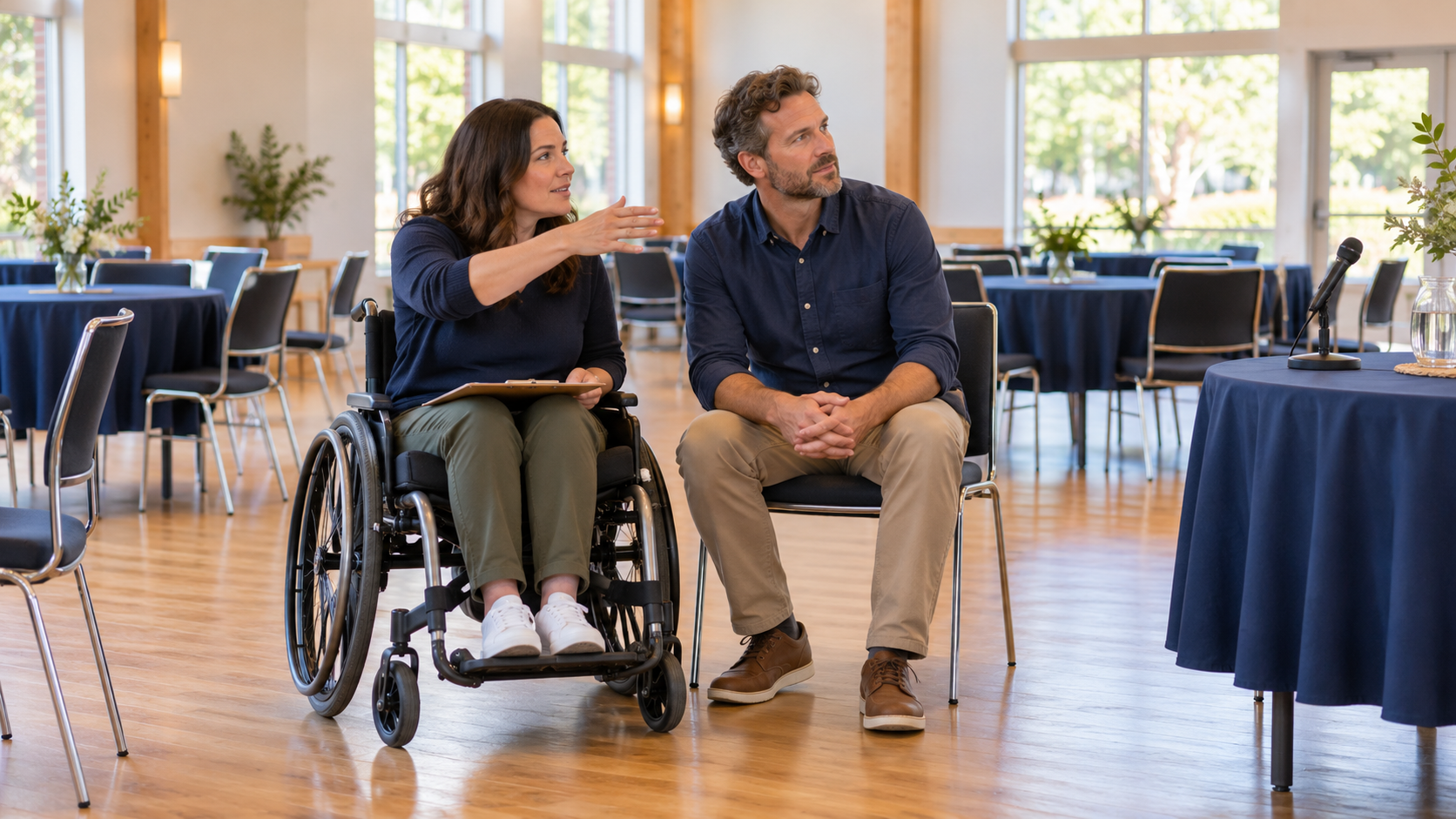
AI-generated illustration: fictional organizers reviewing a community event space. This is not a photograph of an FWF event.
A venue manager says the building has a ramp. The booking feels settled. Yet the event has not been assembled: the welcome desk, demonstration table, audience seating, sound system and refreshments are still only ideas. Before describing the gathering as accessible, an organizer needs to answer a different question: can people arrive, understand what is happening, contribute, take a break and leave with dignity?
For a small community group, this is a practical planning decision, not a promise to predict every need. Treat access as a journey through the event you are actually offering. A feature at one point cannot answer questions about the rest. The useful output is a short record of barriers, agreed changes and unresolved decisions, with a person responsible for each one.
Follow the event, not just the floor plan
Start with the participant’s actions. Someone needs to find the correct entrance, reach the welcome point, choose a place, follow the activity, ask a question, use facilities and return home. The W3C Web Accessibility Initiative’s event checklist addresses both physical access and participation, including accessible rooms and bathrooms, microphones, visibility, advance materials and activities that do not exclude people. This is broader than checking a building feature in isolation.
Draw that journey on one sheet using the event’s real locations. Beside each transition, write the question you cannot yet answer. “Is there an accessible toilet?” becomes “Which toilet will be open during our event, and can someone reach and use it from this room?” “We have a microphone” becomes “How will an audience member’s question reach everyone?” Questions tied to actions are easier to investigate than a single tick beside “accessibility.”
Invite people with relevant access needs to review the plan early, with an accessible way to contribute and compensation where feasible. Ask about the task they want to accomplish and what would help, rather than requesting a diagnosis. One person’s experience does not represent every disabled person. Nor does an organizer’s brief experiment with a mobility aid reproduce another person’s lived experience. The review should improve the event, not turn a participant into an unpaid certification service.
Inspect the setup that people will encounter
Walk the route with the venue contact when the furniture and equipment are in their proposed positions. The ADA National Network’s temporary-events planning guide considers routes, entrances, ground surfaces, event activities and support facilities together. It also notes that weather can change the usability of outdoor surfaces. Use its U.S.-focused technical guidance with appropriate expertise, rather than treating a casual walk-through as a compliance assessment.
Check what your team adds to the space. Does the welcome queue occupy the route to the room? Does the refreshment table turn a clear passage into a crowd? Can someone approach a discussion table without being separated from their companions? These are questions for the actual arrangement, not assumptions about every venue. Record what you observed, including the time, layout and conditions, so a later furniture change does not inherit an earlier check by mistake.
Include departure and emergencies in the conversation with the venue’s responsible staff. Confirm who handles the applicable evacuation arrangements and how event staff learn their roles. Do not improvise ramps, lifting arrangements or emergency procedures, or assume volunteers can carry people. Where a physical or safety question needs specialist judgment, name the qualified person who must resolve it. A friendly offer of help is not a substitute for a usable, safe arrangement.
Participation needs its own test
Being in the room and receiving the information are different outcomes. For U.S. entities covered by ADA Titles II or III, the Department of Justice’s effective-communication guidance explains that the appropriate aid or service depends on the communication’s nature, length, complexity and context, as well as the person’s usual communication method. This is scoped legal information, not a claim that every organization worldwide has identical obligations. Confirm the requirements that apply to your event and locality.
For planning purposes, name the essential activity before selecting a tool. Is the session mainly a conversation, a visual demonstration or a hands-on exercise? Decide how people will receive instructions and contribute without having to disclose personal information in front of the group. A microphone alone does not resolve every communication need, and sending slides afterward does not restore a missed opportunity to ask a question during the event.
Budget for access while there are still choices about the venue and format. Include professional support, equipment, preparation and staff time where needed, rather than leaving them as an unspecified contingency. If the plan depends on a service, confirm its availability and suitability instead of marking it complete because an inquiry was sent. Work with the participant and relevant provider on the arrangement; avoid deciding on their behalf that a cheaper substitute will be equivalent.
A fictional workshop rehearsal
Consider a fictional neighborhood repair-skills demonstration. The organizers intend to show basic clothing-mending techniques, followed by questions and optional practice. Their hall has a step-free entrance, but a rehearsal reveals three separate problems: a registration table narrows the approach, the demonstrator’s high table hides the work from some seated positions, and audience questions are spoken without a microphone. No real FWF event or participant is described here.
The group moves the registration point, changes the demonstration arrangement and rehearses a question process using the sound system. They also prepare a text explanation of the demonstration and discuss any requested communication support with the people concerned. These are proposed changes in this fictional example, not proof that the event now meets every need. Each change requires another check with the people, equipment and layout involved.
Their record has five fields: participant action, observed barrier, agreed change, responsible person and evidence needed before opening. One entry reads: “Follow the demonstration; view obstructed from the proposed seated position; revise the table and camera arrangement; session lead; repeat the demonstration with the proposed audience layout and confirm the view with reviewers.” The evidence describes a result to check, not simply a purchase to make.
Another entry remains unresolved because communication support has not been confirmed. The organizer sets a decision date before the invitation is finalized. If the arrangement cannot be secured, the team must revisit the format, venue or timing and discuss an effective solution with those affected. Publishing a reassuring access statement while quietly leaving the essential decision open would shift the burden onto attendees.
Rehearse, decide and describe honestly
A rehearsal should include the transitions, not only the speaker’s opening. The U.S. General Services Administration’s accessible-meetings guidance, written for the federal context, recommends dry runs that test meeting controls and accessibility features, along with follow-up review. A small community group can adapt that planning practice without presenting the federal guidance as its own legal standard.
Run one realistic sequence: arrival, welcome, demonstration, question, break and departure. Let the person responsible for each part explain what they will do when a difficulty arises. Check the promised arrangements, then record which gaps are resolved and which require a decision. An unresolved issue affecting an essential activity should return to the organizer responsible for proceeding, changing or postponing that part of the event, rather than disappearing into a general task list.
Write the public access information from verified facts. State the entrance and route people should use, the arrangements available, and a clear private contact route for questions or requests. Distinguish confirmed provision from work still being arranged. Avoid an unqualified “fully accessible” label. If circumstances change after invitations go out, communicate the change promptly and work with affected people on the consequences; silence prevents them from making an informed choice.
On the day, give someone responsibility for keeping agreed routes and arrangements working as the room fills. Afterward, offer a private way to report barriers and record what should change next time. Attendance alone cannot tell you whether someone could follow, contribute or leave comfortably. A short debrief should ask which parts of the planned journey worked and which needed unplanned help.
For your next gathering, choose one participant journey and rehearse it before you promise the setup. Leave with named owners and evidence for every unresolved gap. This attention to practical participation connects with FWF’s Community Engagement, Volunteerism & Local Action pathway. To discuss a relevant community idea, use the foundation’s contact page; this article does not promise event support, an accessibility assessment or a particular service.
Sources reviewed October 17, 2026. This article offers general planning education, not an accessibility certification or individualized legal advice.
Explore Resources for Your Next Step
This section contains affiliate and referral links. Qualifying purchases or sign-ups may generate a commission. Arbab Naseebullah Kasi will donate all commissions he receives through these links to Feel Worldwide Foundation Inc. to support its programs and operations.
For independent exploration of media and publishing resources: ElevenLabs, Synthesia, Pictory, Bookshop and beehiiv.
For business tools and services: Zoho, SiteGround and Fiverr. For travel research: Expedia and Viator.
These links are optional resources, not evidence that a product, service or venue meets your access needs. Review the provider’s current terms, costs and accessibility information, and confirm suitability before purchasing or signing up.
